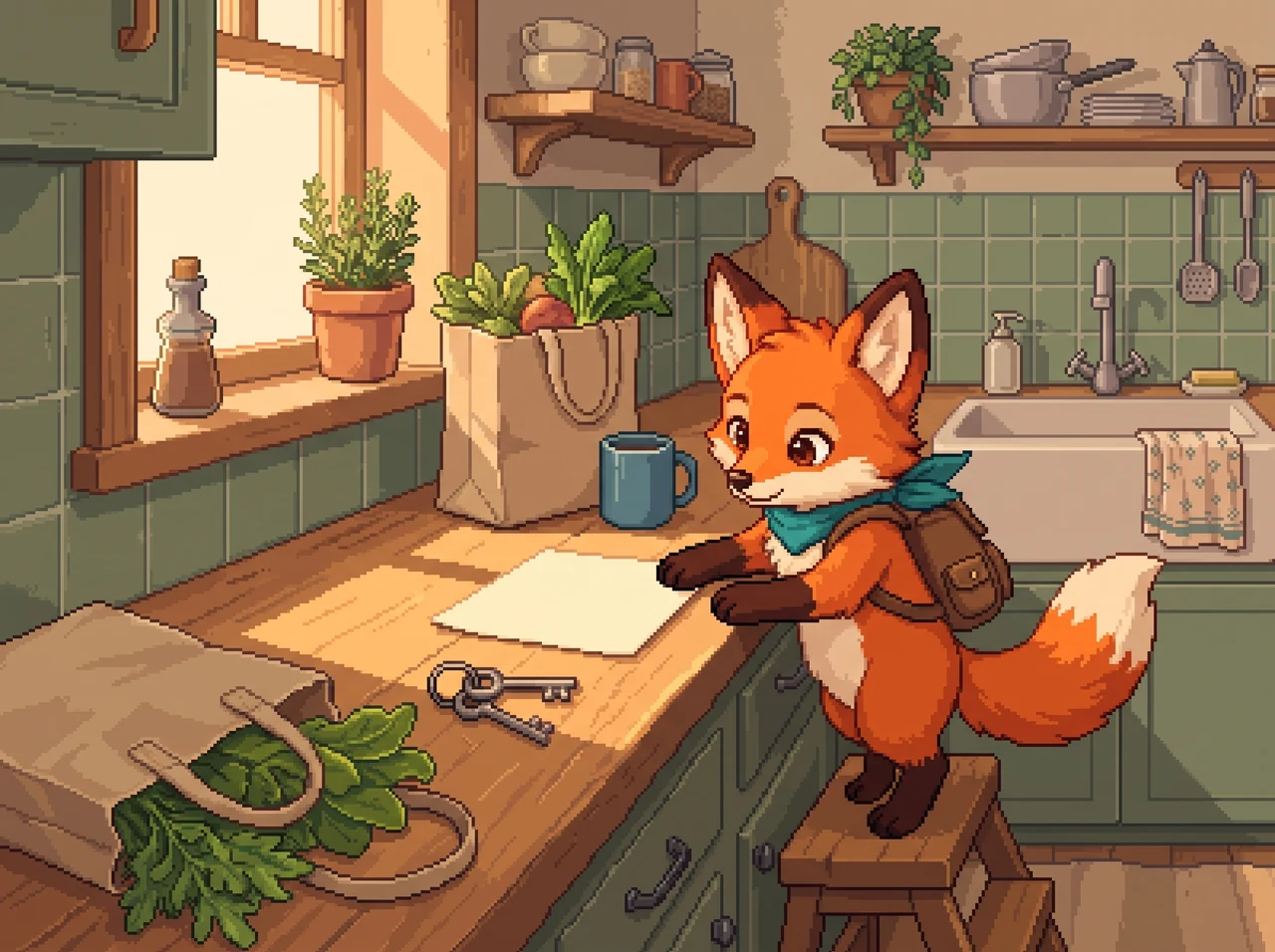
Name what you want to record
Use a name that tells you what a check-in means. For a habit called “Walk after lunch,” you would check in on days when you took that walk. You decide what duration you want to count.
You can edit the name and cue in Pipwild. If your lunch schedule changes, update the cue instead of starting a new habit and losing the link to its history.
Give it a cue you already notice
A cue is a note about when you want to do the habit. For example, “after lunch” ties a walk to a part of your day that you can recognize. It is displayed with the habit; it is not a scheduled notification.
If your schedule varies, choose a cue that does not depend on an exact time. You can change it after trying the habit for a few days.
- Name the action in ordinary words.
- Choose a cue from your existing day.
- Try it, then edit either part when it does not fit.
Resume after missed days
If you miss a day, continue checking in when you do the habit again. Your history shows the days you recorded, so you can see gaps without having to fill them in.
Pipwild keeps earned XP when you miss a day. You can pause a habit and resume it later. If you check in by accident, undo it. Your existing check-ins stay in the history.
Keep sensitive names out of view
Some habits are personal enough that you do not want the name visible while someone sits beside you. Pipwild can conceal a private habit’s name in the interface. You choose when to reveal it.
Concealing a name is a screen privacy control. The habit still exists in your account and in an export you download. Use a device you trust, and check what is visible before sharing your screen.
Review whether the practice still helps
Review the habit name and cue after you have used it for a while. If you no longer want to track it, pause it. You can resume a paused habit later.
Pipwild supports building a habit and reducing one. Choose wording that describes the action you want to record. The app does not diagnose behavior or replace professional care. You decide what the record means for you.